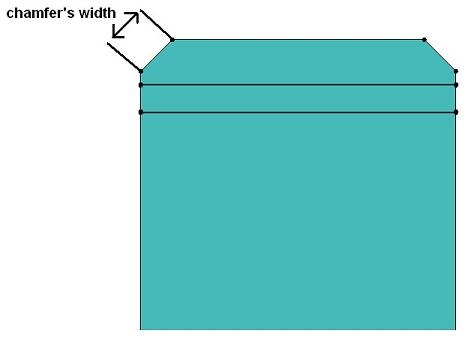
Remove chamfers
Removing of chamfers
To remove the chamfers:
| Step | Action |
|---|---|
| 1 |
Open the dialog box
|
| → | The dialog box Make a chamfer defeaturing is opened. |
| 2 |
Enter a numerical value for the following field:
|
| 3 |
Confirm by clicking on OK |
| → | The chamfers have been removed on the selected objects. |
 or
or